🚀 Blazor Performance Tip (That Actually Matters in Production)
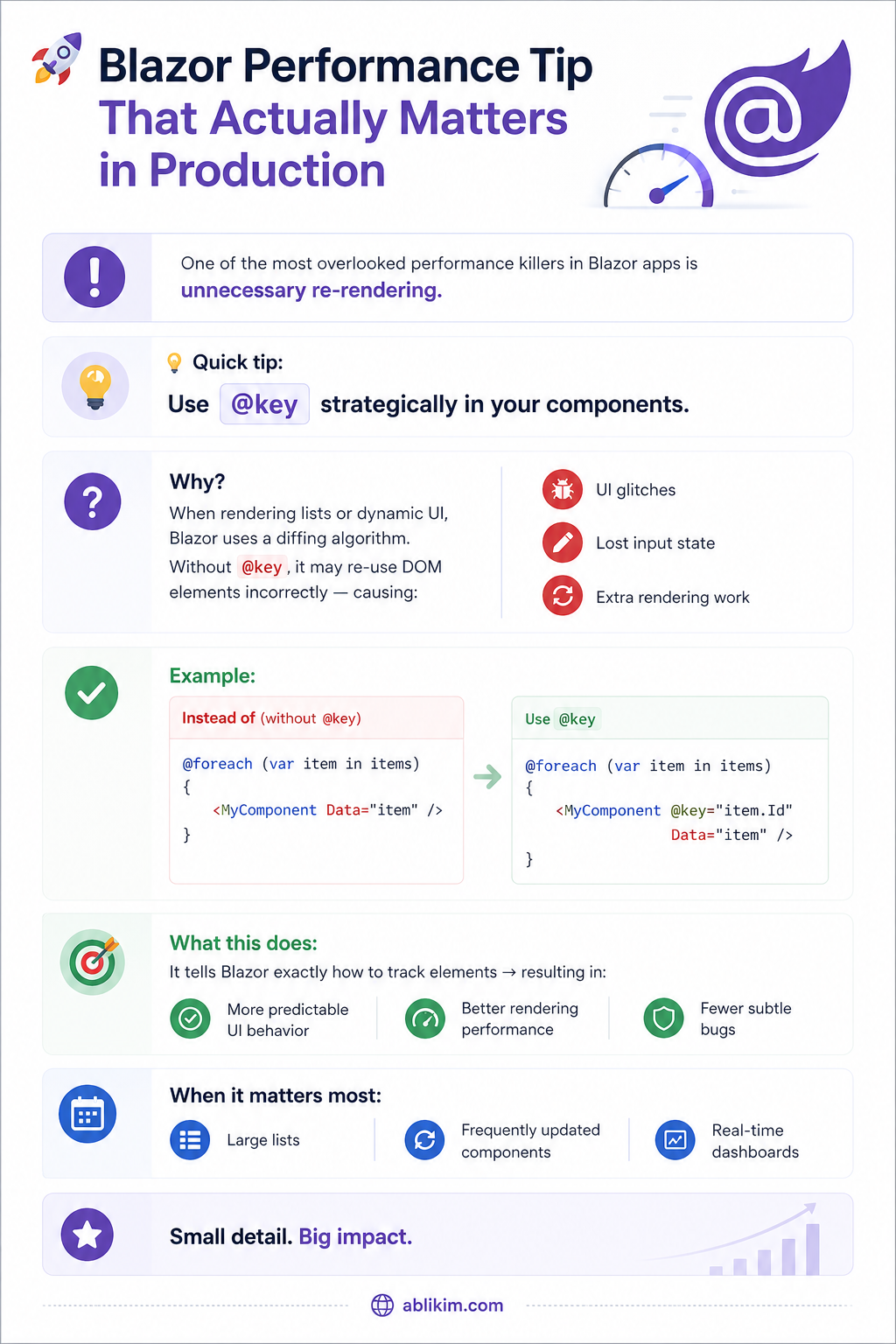
🚀 Blazor Performance Tip (That Actually Matters in Production)
One of the most overlooked performance killers in Blazor apps is unnecessary re-rendering.
💡 Quick tip:
Use @key strategically in your components.
Why?
When rendering lists or dynamic UI, Blazor uses a diffing algorithm.
Without @key, it may re-use DOM elements incorrectly — causing:
• UI glitches
• Lost input state
• Extra rendering work
✅ Example:
Instead of:
@foreach (var item in items) { <MyComponent Data="item" /> }
Use:
@foreach (var item in items) { <MyComponent @key="item.Id" Data="item" /> }
🔍 What this does:
It tells Blazor exactly how to track elements → resulting in:
• More predictable UI behavior
• Better rendering performance
• Fewer subtle bugs
⚠️ Crucial Warning: Avoid using the array index (e.g., @key="index") as your key if the collection is dynamic (adding, removing, or reordering items).
- Always use a unique, immutable identifier (like a Database ID or GUID).
- Using an index as a key often defeats the purpose and can actually cause bugs if the items change position in the list.
⚠️ When it matters most:
• Large lists
• Frequently updated components
• Real-time dashboards
Small detail. Big impact.🚀
#ablikim #Blazor #DotNet #Performance #WebDevelopment #CSharp #SoftwareEngineering