🚀 WPF vs WinUI 3 — What .NET Desktop Developers Should Know in 2026
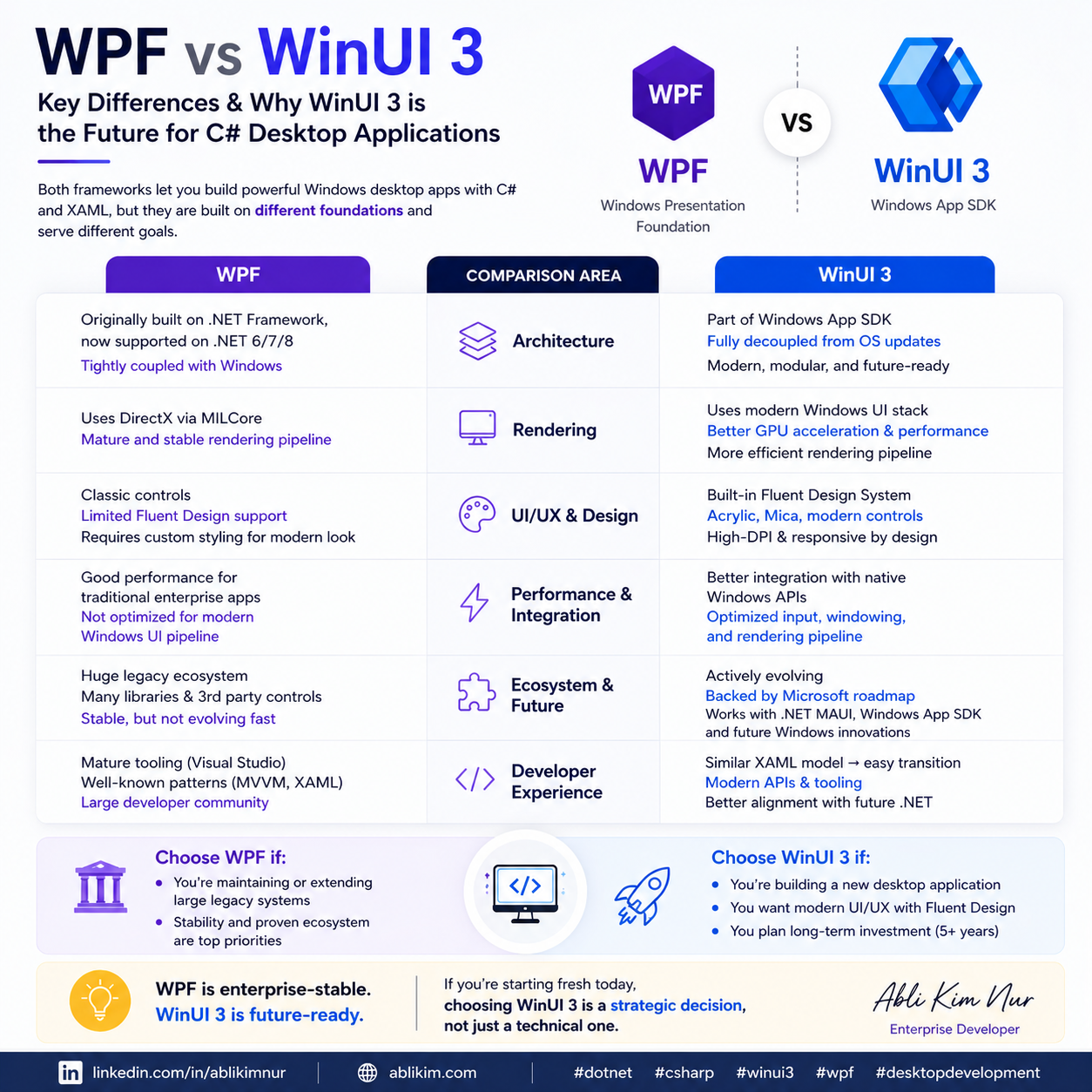
🚀 WPF vs WinUI 3 — What .NET Desktop Developers Should Know in 2026
For years, WPF has been the backbone of enterprise desktop applications in .NET.
But today, WinUI 3 is becoming the direction forward.
Let’s break it down technically 👇
🧱 Architecture
WPF
- Built on .NET Framework (later .NET Core/6+)
- Uses DirectX via MILCore
- Tight coupling with Windows desktop stack
WinUI 3
- Part of the Windows App SDK
- Fully decoupled from OS updates
- Runs on modern .NET with native Windows APIs
👉 WinUI 3 gives you forward-compatible architecture
🎨 UI Rendering & Modern UX
WPF
- Mature but visually dated without heavy customization
- Limited support for Fluent Design
WinUI 3
- Native Fluent Design System
- Acrylic, Mica, modern controls out of the box
- Better support for high-DPI and modern layouts
👉 Less time fighting UI → more time building features
⚡ Performance & Native Integration
WPF
- Stable and predictable
- But not optimized for modern Windows UI pipeline
WinUI 3
- Closer to native Windows UI stack
- Better integration with:
- Windowing APIs
- Input system
- Modern GPU rendering pipeline
👉 Especially important for new applications
🔌 Ecosystem & Future Support
WPF
- Still supported
- Huge legacy ecosystem
- Ideal for maintaining existing systems
WinUI 3
- Actively evolving
- Backed by Microsoft’s future roadmap
- Works with:
- .NET MAUI (Hybrid)
- Windows App SDK
- Future Windows UI innovations
👉 This is where new investment is happening
🧠 Developer Experience
WPF
- Mature tooling
- Predictable patterns (MVVM, XAML)
WinUI 3
- Similar XAML model → easy transition
- Modern APIs
- Better alignment with future .NET ecosystem
🎯 So… when should you use each?
Choose WPF if:
- You’re maintaining or extending large legacy systems
- Stability is more important than modernization
Choose WinUI 3 if:
- You’re building a new desktop application
- You want modern UI/UX
- You plan long-term investment (5+ years)
🔥 My Take
WPF is not dead — it’s enterprise-stable.
But WinUI 3 is where desktop .NET is heading.
If you're starting fresh today, choosing WinUI 3 is a strategic decision, not just a technical one.
💬 Curious how others are approaching desktop modernization?
Are you staying on WPF or moving to WinUI 3?
#dotnet #csharp #desktopdevelopment #winui #wpf #softwareengineering #enterprisedev #ablikim